What this is: an Arma Reforger mortar and artillery calculator
Arma Reforger Mortar & Artillery Calculator
Two points
One solution
Reforger FDC is a free fire direction calculator for Arma Reforger that runs in the browser. It turns a gun and a target on the map into the charge, azimuth, elevation and time of flight.
- 01 /
Place the gun
Tap the map and the height comes from the terrain, or type the coordinates and the height yourself.
X4922 Y4868 · 89.2 m FROM MAP - 02 /
Place the target
Drag either point. Range, azimuth and height difference follow it.
3708 m · az. 2203 mil · ΔH +267 m - 03 /
Read the solution
Press Calculate and read the charge, azimuth, elevation and time of flight, with the other ways to reach the same point under it.
Charge 1 · 2203 · 1122 · 41.3 s
The calculator, as it is
From map
to fire data
in seconds
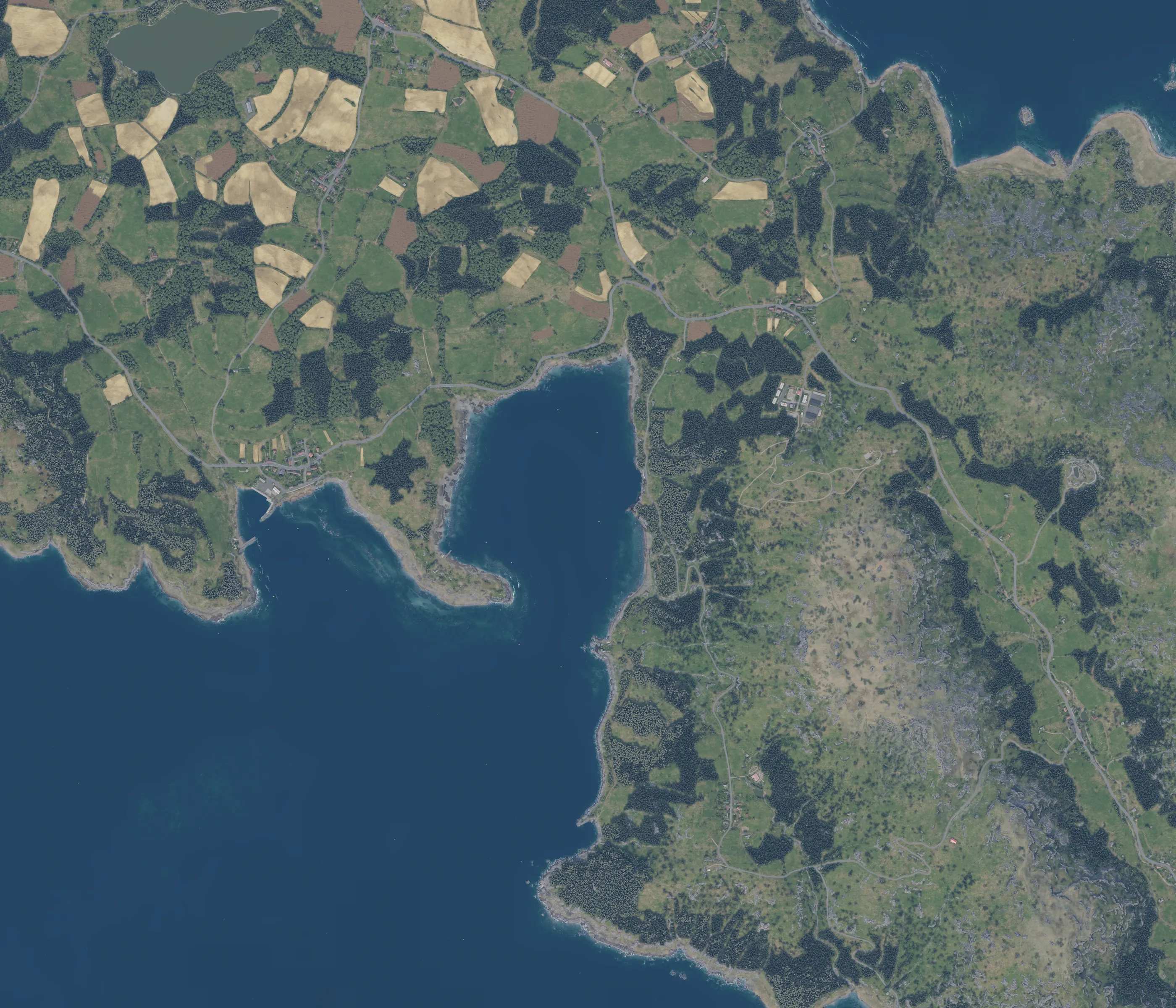
The screen below is the calculator itself, captured on Everon with the M777 example: gun at X4922 Y4868, target at X8000 Y2800. The site and the app share one set of type, colours and numbers.

- GUN POSITIONX4922 Y4868, placed on the map
- TARGETX8000 Y2800, 3708 m away
- TERRAIN HEIGHTFROM MAP · 89.2 m and 356.1 m
- SOLUTIONCharge 1 · 2203 mil · 1122 mil · 41.3 s
Two workflows
Two ways
to solve
the same mission
The map is for when you can see the ground. Coordinates are for when the position came over voice. Both feed the same engine.
Examples: 006 023 · X757 Y3042 · 757.4, 3042.8
Another notation is accepted too: three digits per axis is the 100 m grid, four is 10 m, five is 1 m, “006 023 / 5” is the subgrid, “X650 Y2350” is metres.
Same engine · same solution · a height typed by hand always wins over the one from the map
Terrain included
The map
knows the height
Drop a point and its height is read from the map's elevation grid. Nobody has to guess the hill.


Terrain profile
This shows terrain only between the selected points. It does not calculate trajectory or obstacle clearance.
M777 · CHARGE 1−20 mil
Where the correction has been measured in game it is applied and labelled beside the solution; where it has not, the difference is shown and the reason is named.
Correction loop
Correct
Fire again
The first round landed 100 m over and 40 m right. Tell the calculator what the observer saw and it gives the gun new numbers.
| AZIMUTH | 2203 | → | 2191 mil |
| ELEVATION | 1122 | → | 1142 mil |
| TIME OF FLIGHT | 41.3 | → | 41.6 s |
| RANGE | 3708 | → | 3608 m |
The original target is preserved. The new target becomes current only after confirmation.
Battery
From one gun
to a battery
UP TO 08 IN ONE BATTERY
One target, one projectile, one wind. Every gun gets its own azimuth, elevation and a delay, so the rounds arrive together.
| Gun | Position | Range | AZ | EL | TOF | Fire |
|---|---|---|---|---|---|---|
| 01 | X4922 Y4868 | 3708 m | 2203 | 1122 | 41.3 s | after 1.4 s |
| 02 | X5320 Y4560 | 3206 m | 2192 | 1211 | 42.7 s | at once |
| 03 | X4520 Y5230 | 4244 m | 2221 | 1033 | 39.0 s | after 3.7 s |
| 04 | X5150 Y5120 | 3675 m | 2296 | 1128 | 41.4 s | after 1.3 s |
Converged: every gun aims at one point. Shared setting: Charge 1 · high. Mils per circle: 6400.
Arrive together
Different flight times
One impact window
Gun 2 stands nearest, so its shell climbs highest and flies longest. It fires first. The others wait exactly as long as the calculator says.
42.7 = 1.4 + 41.3 = 3.7 + 39.0 = 1.3 + 41.4. The battery card names the gun that fires first and the delay for each of the others.
Arma Reforger mortar and artillery calculator: supported guns and maps
Built around
the game
Vanilla mortars, modded artillery, Bohemia maps and SPEARHEAD maps. Each one ships with its own tables or terrain and the version it was checked on.
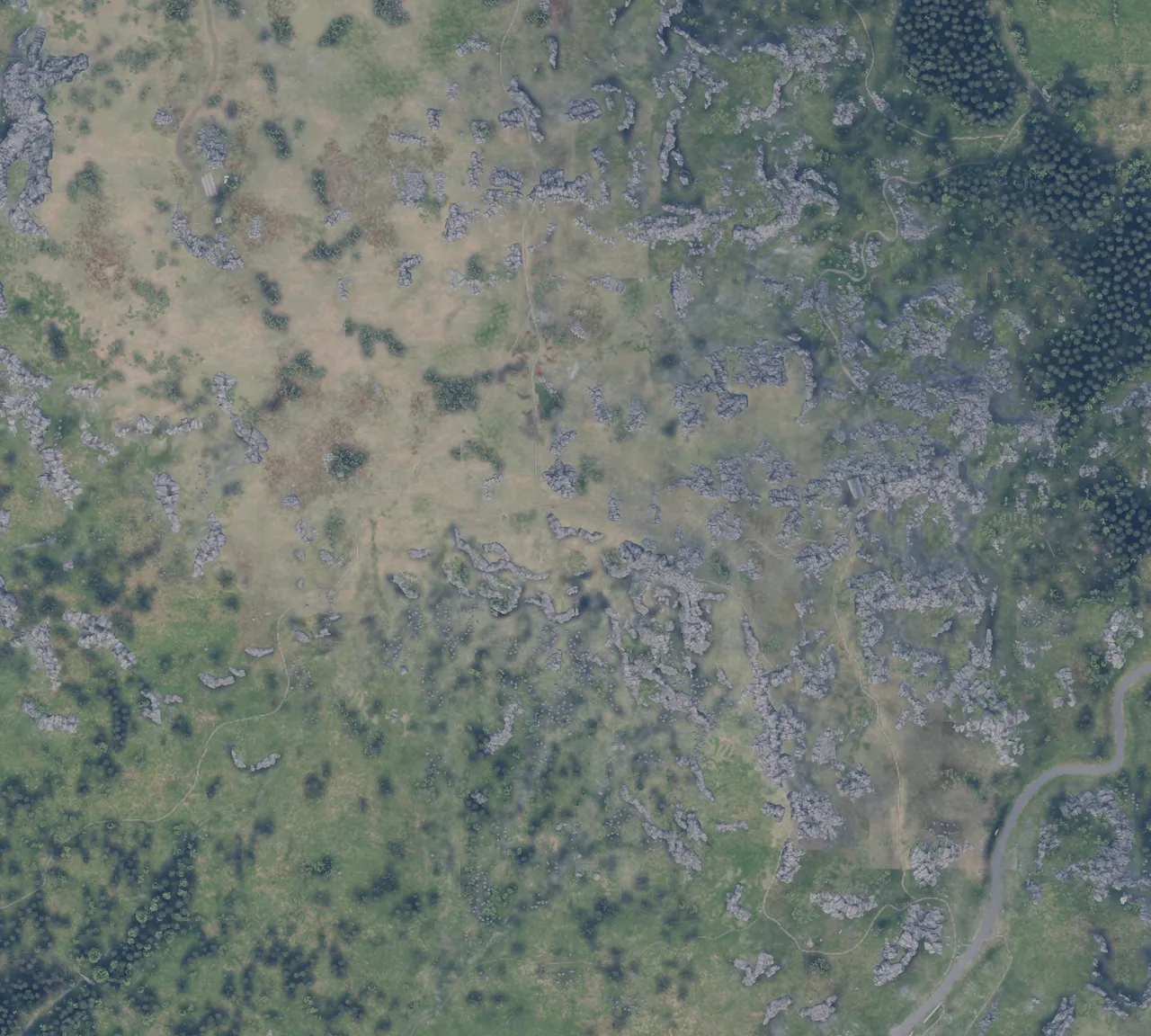
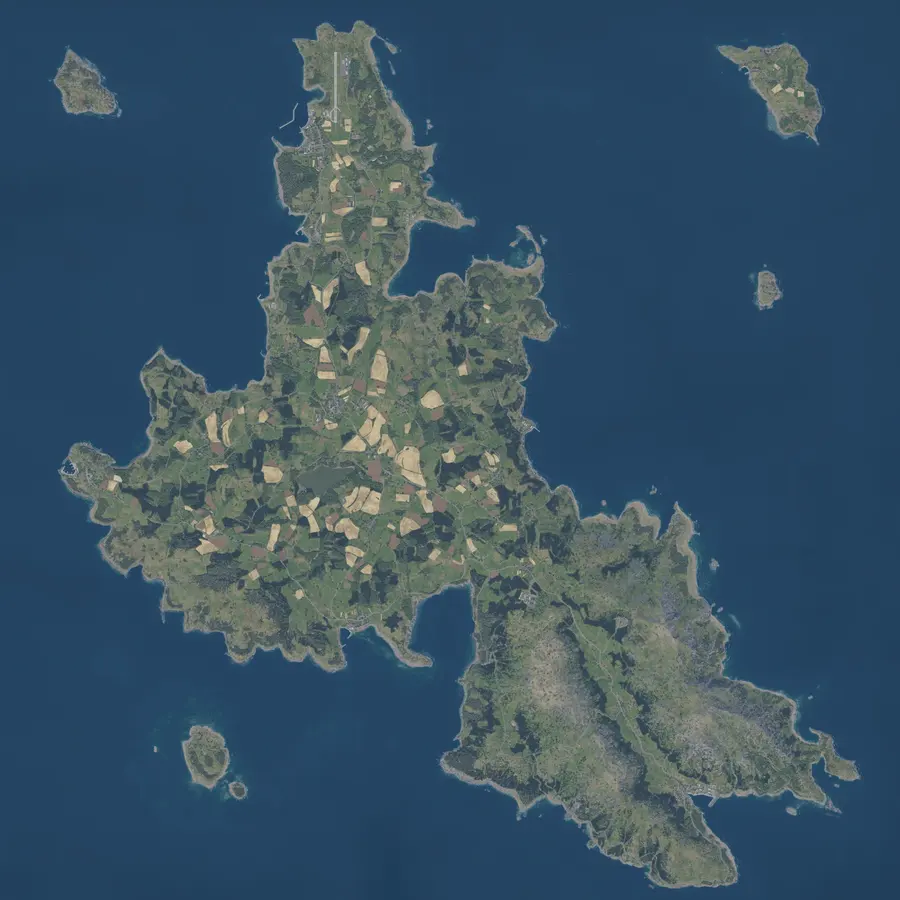
- Everon12.8 × 12.8 km
- Arland4.1 × 4.1 km
- Kolguyev12.8 × 12.8 km
- SPEARHEAD
- Orlivka6.9 × 6.9 km
by xJESUSx - Khreshchatyske4.1 × 4.1 km
by xJESUSx - Hostomel10.2 × 10.2 km
by Rumor - Yunakivka10.2 × 10.2 km
by Rumor
The two vanilla mortars do not share settings: the M252 reads azimuth in 6400 mils and sets rings, the 2B14 reads 6000 mils and sets a charge, so an azimuth carried from one to the other is wrong.
Wind is corrected only where the data pack carries a verified model: today the M252 and the 2B14. For the other guns an entered wind is marked unavailable, not applied quietly.
Game 1.8.0.13 · every map carries an elevation grid · SPEARHEAD maps name their creator on the map itself
Works where the game does
No account
No cloud mission historyNo installer
Browser
Open reforger-fdc.com on a second screen or a phone. Nothing to download first.
Installable
Add it to the home screen or the desktop and it opens like an app.
Offline calculation
Solutions are computed on the device. The network drops and the numbers keep coming.
Local history
Missions stay on this device. Export them to a file and import them on another.
Map tiles come from the site the first time a map is shown. Offline you see the areas you have already opened.
Data you can trace
No magic
numbers
Every data pack tells you where its numbers came from and which version they belong to.
| Weapon | Source | Game / mod version | Last verified | Status |
|---|---|---|---|---|
| M252M821 HE · M819 · M853A1 · M879 | The game's own ballistic table, transcribed | game 1.7.0.54–1.8.0.13 vanilla | 2026-09-23 | VERIFIED BY THE COMMUNITY |
| 2B14O-832DU · D-832DU · S-832S | The game's own ballistic table, transcribed | game 1.7.0.54–1.8.0.13 vanilla | 2026-09-23 | VERIFIED BY THE COMMUNITY |
| M777PandaMods · M107 HE · M116 · M485A2 | Measured by the project with controlled shots in game · author's permission | game 1.7.0.54–1.8.0.13 mod 2.1.5 | 2026-09-23 | MEASURED |
| 2B9Tactical Flava · O-832DU · D-832DU | Read off the mod's Ballistic Manual board in game · APL-ND | game 1.8.0.10–1.8.0.13 mod 1.6.1 | 2026-09-23 | VERIFIED BY THE AUTHOR |
| BM-21Tactical Flava · 9M22 · 9M43 · 3M16 · 9M28K | Read off the mod's Ballistic Manual board in game · APL-ND | game 1.8.0.10–1.8.0.13 mod 1.6.3 | 2026-09-23 | VERIFIED BY THE AUTHOR |
Every number was read off a table inside the game or measured by firing in it. No game or mod file was opened to get them.
All sources and permissions →Built for Arma ReforgerNot for real‑world artillery
Place two pointsGet the solution
The calculator is at the top of this page · free · no account